


What's Included


Stay responsive in every match with a fast, stable connection designed to minimize lag and interruptions.

Stay responsive in every match with a fast, stable connection designed to minimize lag and interruptions.


Y
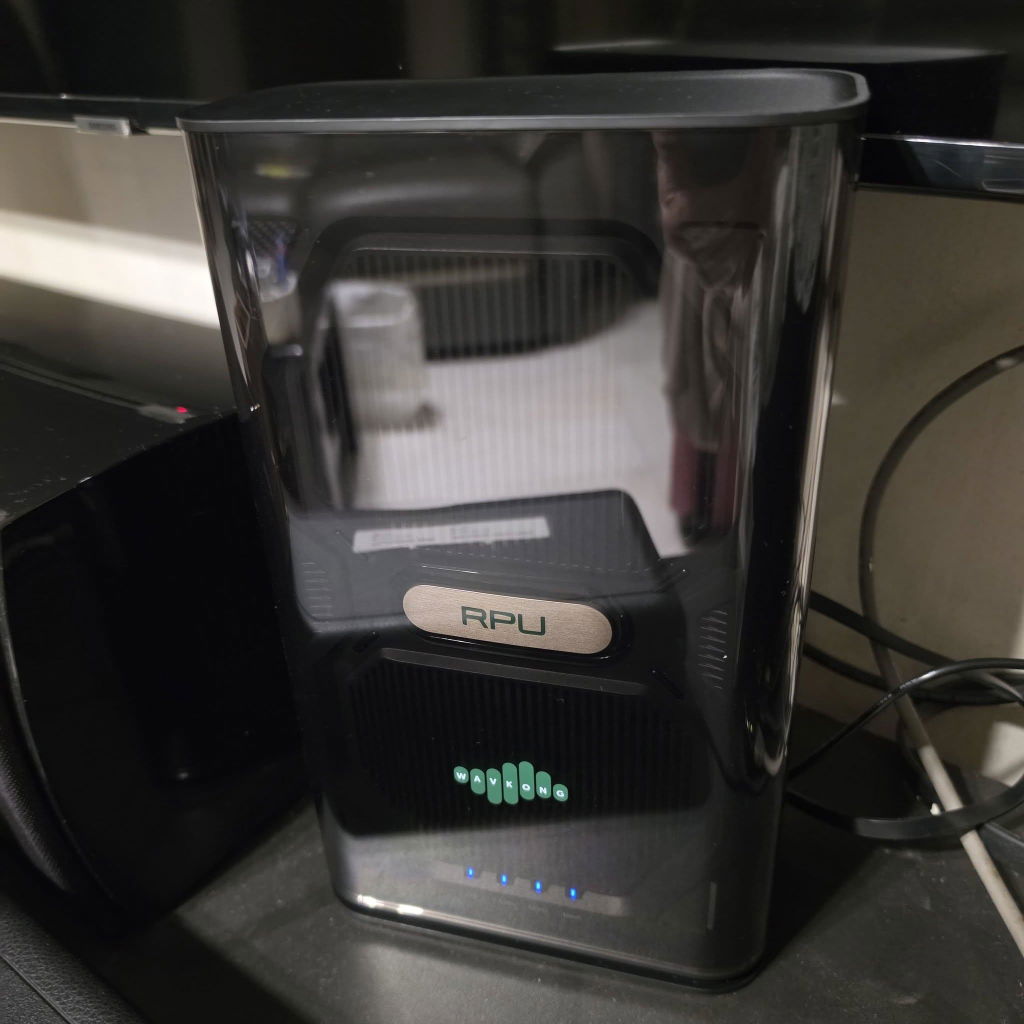
I'm so happy with my new Wavkong V2700. It was very well packed and arrived in good condition. Setup took only 20 minutes straight from my mobile phone, which was incredibly simple. The most amazing part? I stay on the 3rd floor, but I still had a strong connection while playing with my kids at the ground floor playground. Honestly, wow. Kudos to the Wavkong teams--you guys nailed i t
M
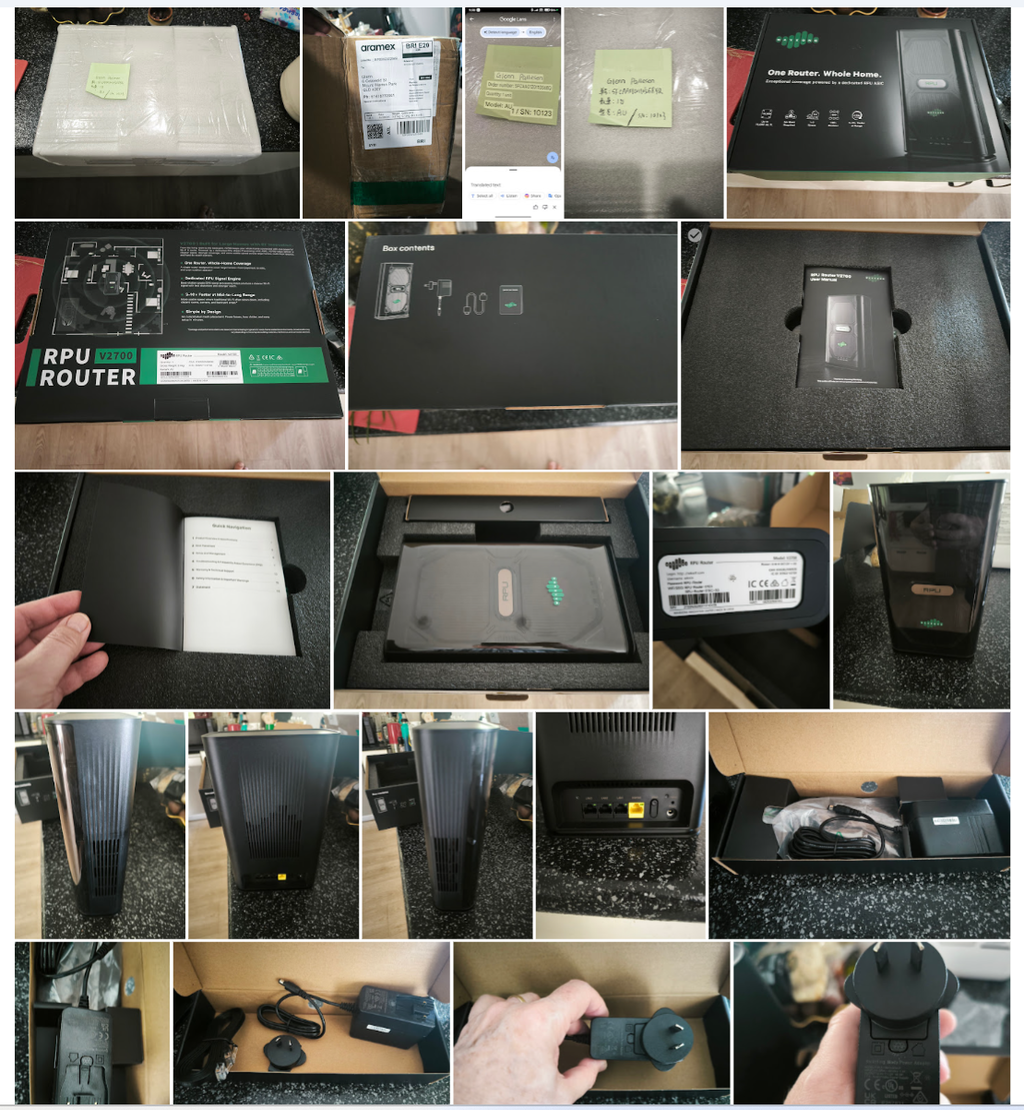
The WavKong V2700 arrived in a well-packaged box with the contents nicely presented and protected. However, the front clear plastic of the router appeared to have been "scuffed" during transit and although this has mostly cleaned off, there does remain some scuff marks. Shipping the unit with a protective film over the front panel would help greatly - perhaps the routine production units will do that? I would also be concerned with possible electrostatic dust attraction onto the front panel in day-to-day use - time will tell!
The set-up booklet appears comprehensive, but it could be bigger - A5 perhaps? Some of the text is a little difficult to read and may be an issue for users who need glasses to assist with reading. There doesn’t appear to be any mention of setting the country and time zone which would need to be done to ensure that there are no local synchronisation issues. I found the settings in the web browser page.
Speed comparison. I had previously mapped out key points around the house with my “old” TP-Link Deco X73-DSL and then used the same points with the WavKong V2700. Results of a three-test average are in the attached screen grab
Some of the biggest speed gains were, as one might expect, at the test points furthest from the router.
Overall, the router gives a good impression, and the speed increases are noticeable

G
The delivery and packaging were both perfect. You may view my photos here:
https://photos.app.goo.gl/8bMHXXkT6rxfiJfY8
Wi‑Fi Security Note
When connecting an Apple iPhone to the WavKong router’s 5.1 GHz signal, the iPhone system automatically pops up this warning message:
"WPA/WPA2 (TKIP) is not considered secure. If this is your Wi‑Fi network, configure the router to use WPA2 (AES) or WPA3 security type."
Setup Experience
The English‑language instructions exceeded my expectations. I am used to seeing poor‑quality English translations for many overseas‑manufactured products. Thank you WavKong — the English documentation, diagrams, and seamless switching between web‑browser and mobile‑app guidance deserve a 10/10 rating.
Noise Performance
The router is super quiet. Over the past 10 days of use, I have never heard any fan noise or operational noise from the device.
Appearance & Hardware Accessibility
Looks are subjective, but in my opinion this is a great‑looking unit: functional and sleek. Ports, serial number, MAC address and login credentials are all easy to locate and access.
Placement Reality
I understand the guidance recommending an ideal central placement for best Wi‑Fi coverage. However, I believe nearly all end‑users will be unable to achieve that ideal setup. In my real‑world installation, the WavKong router is wall‑mounted in my dining room right where the internet service enters the house. I ran side‑by‑side speed and performance tests with my old Netcomm router installed at this exact same location.
General Performance after 10‑Day Usage
After ten days of continuous operation, the WavKong has been very stable and outperforms my previous router on both 5 GHz and 2.4 GHz Wi‑Fi bands. Previously I suffered frequent Wi‑Fi drop‑outs (2‑3 times per day) when streaming to my 4K projector. Since switching to the WavKong router, I have only seen one single dropout in total.
N
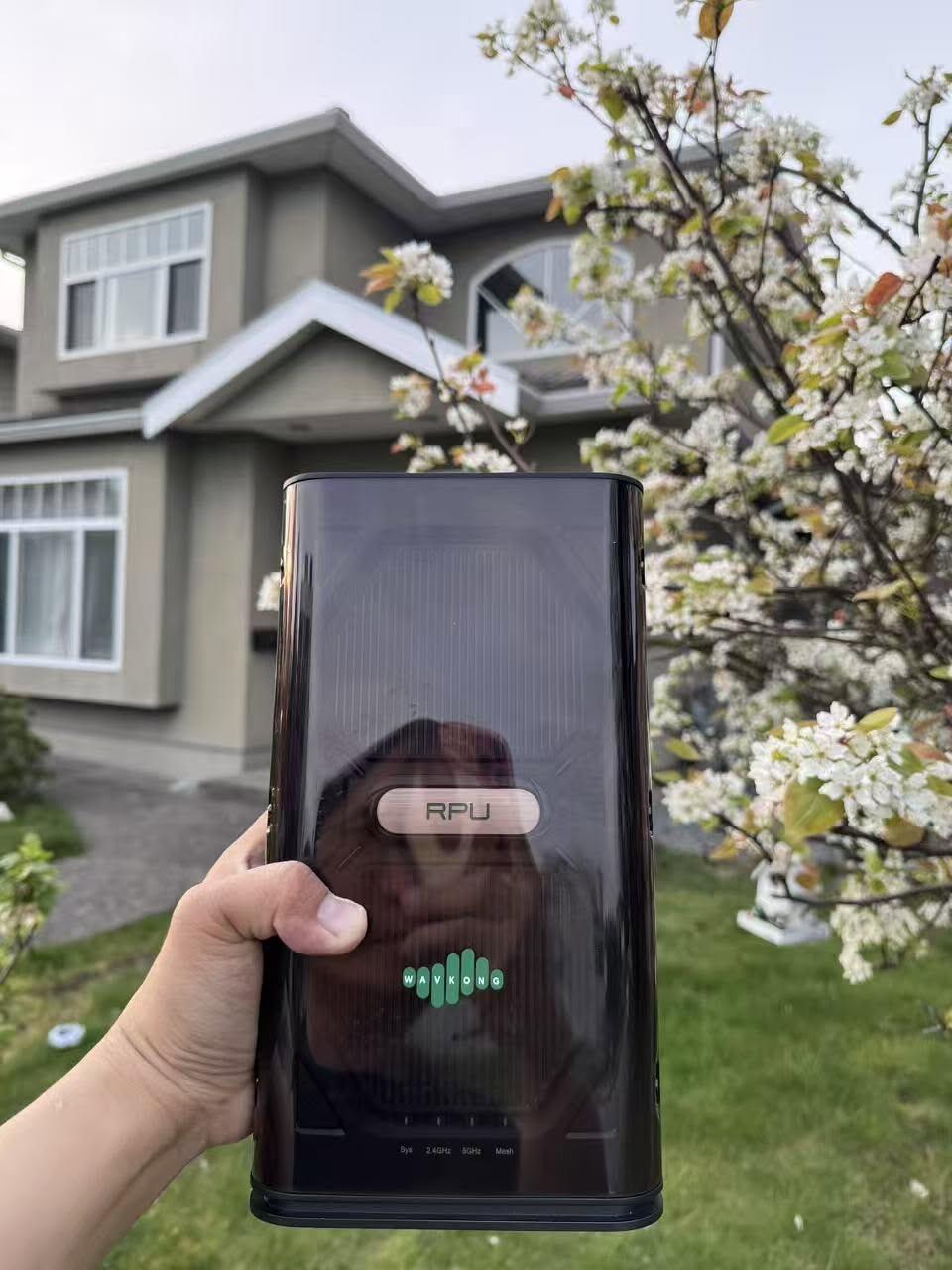
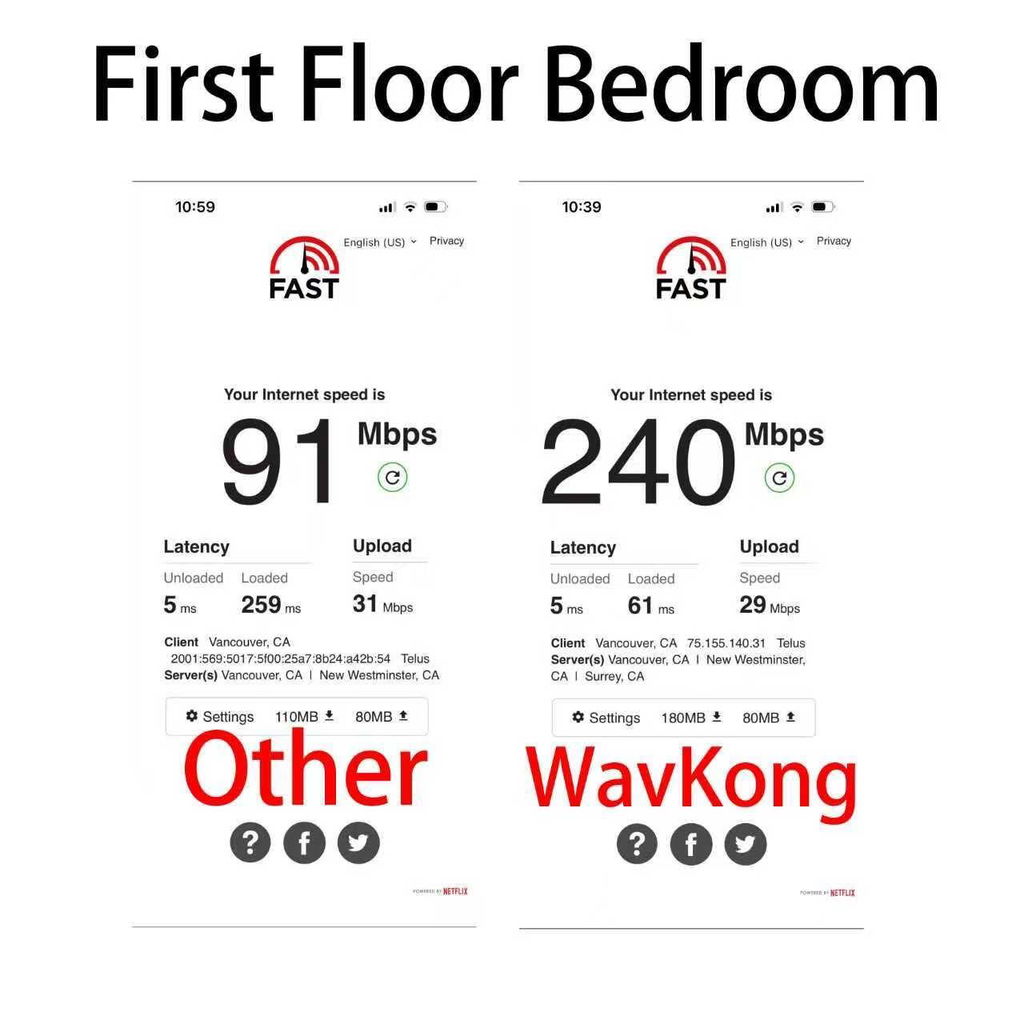
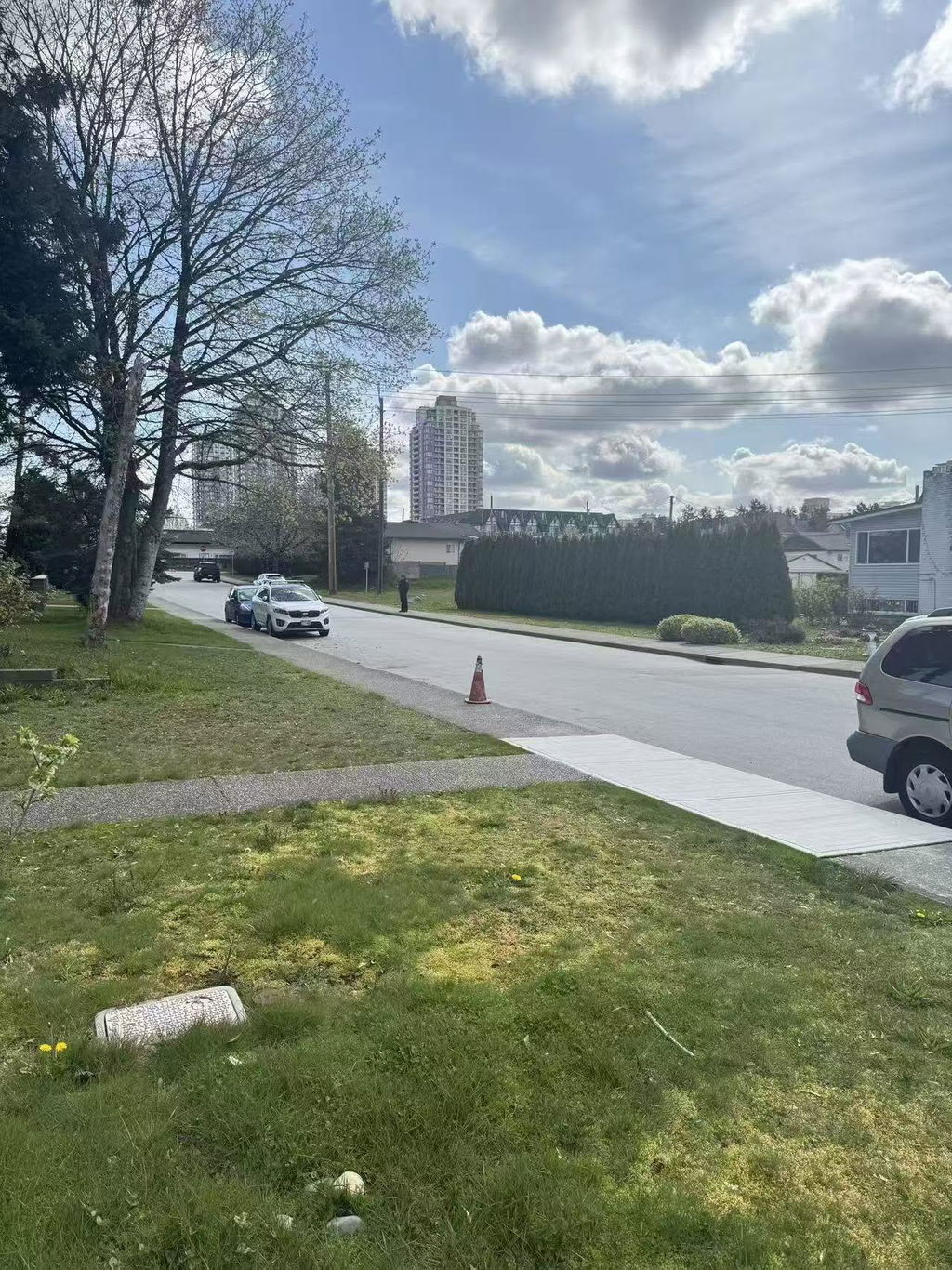
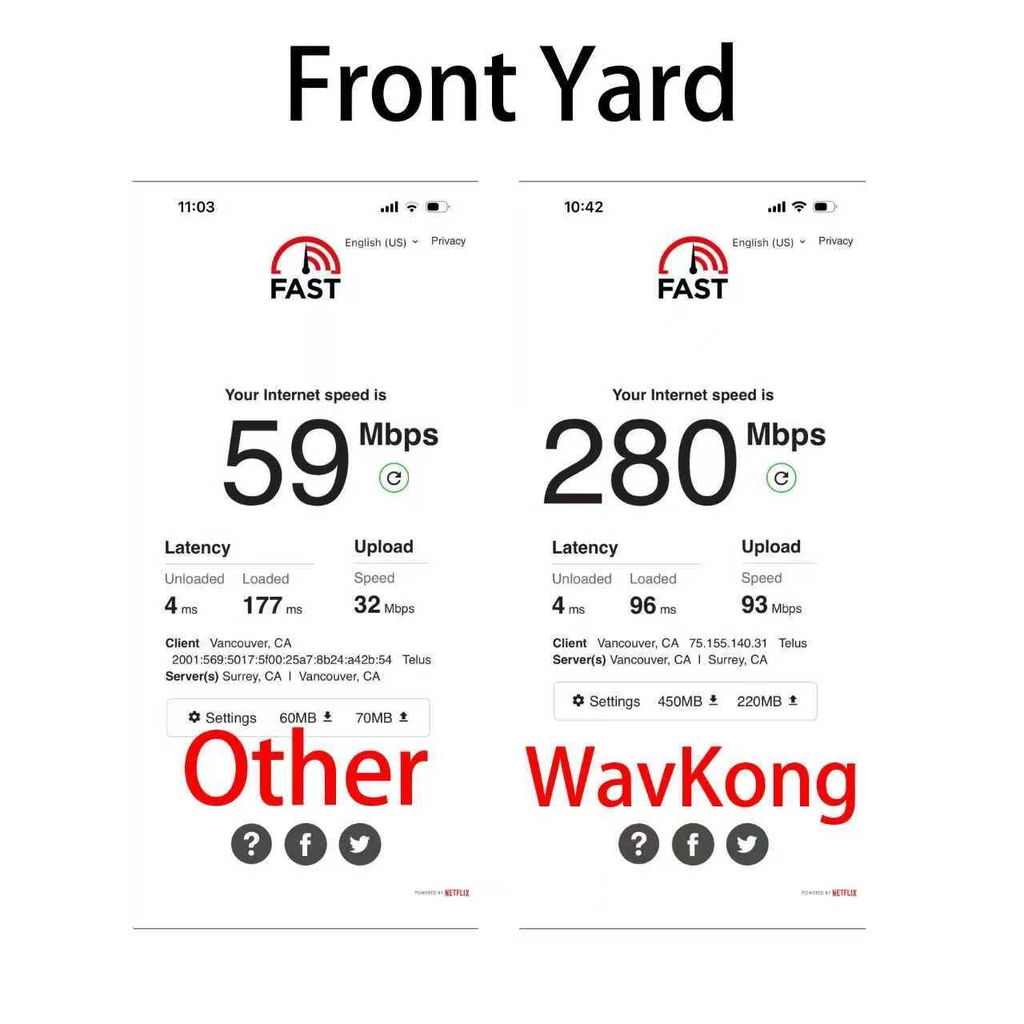
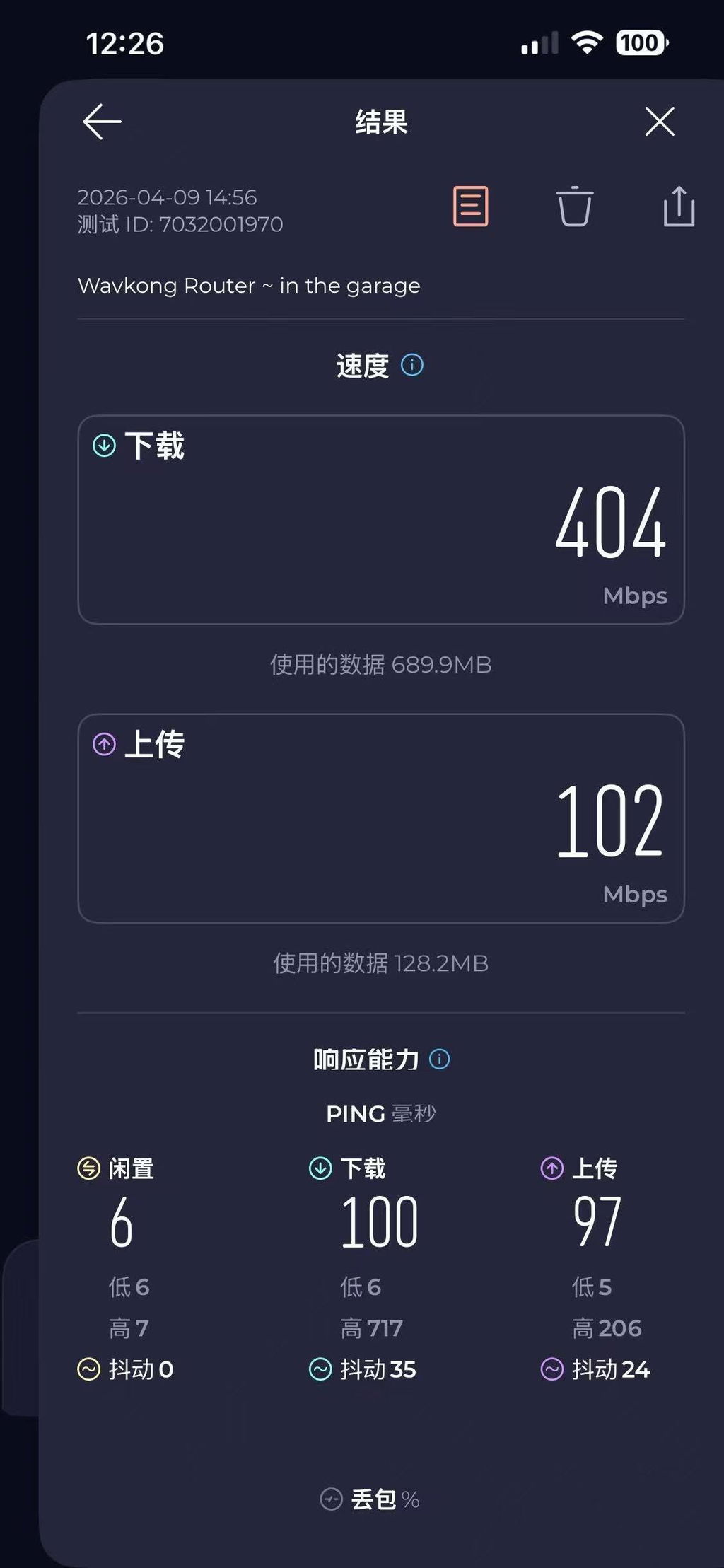
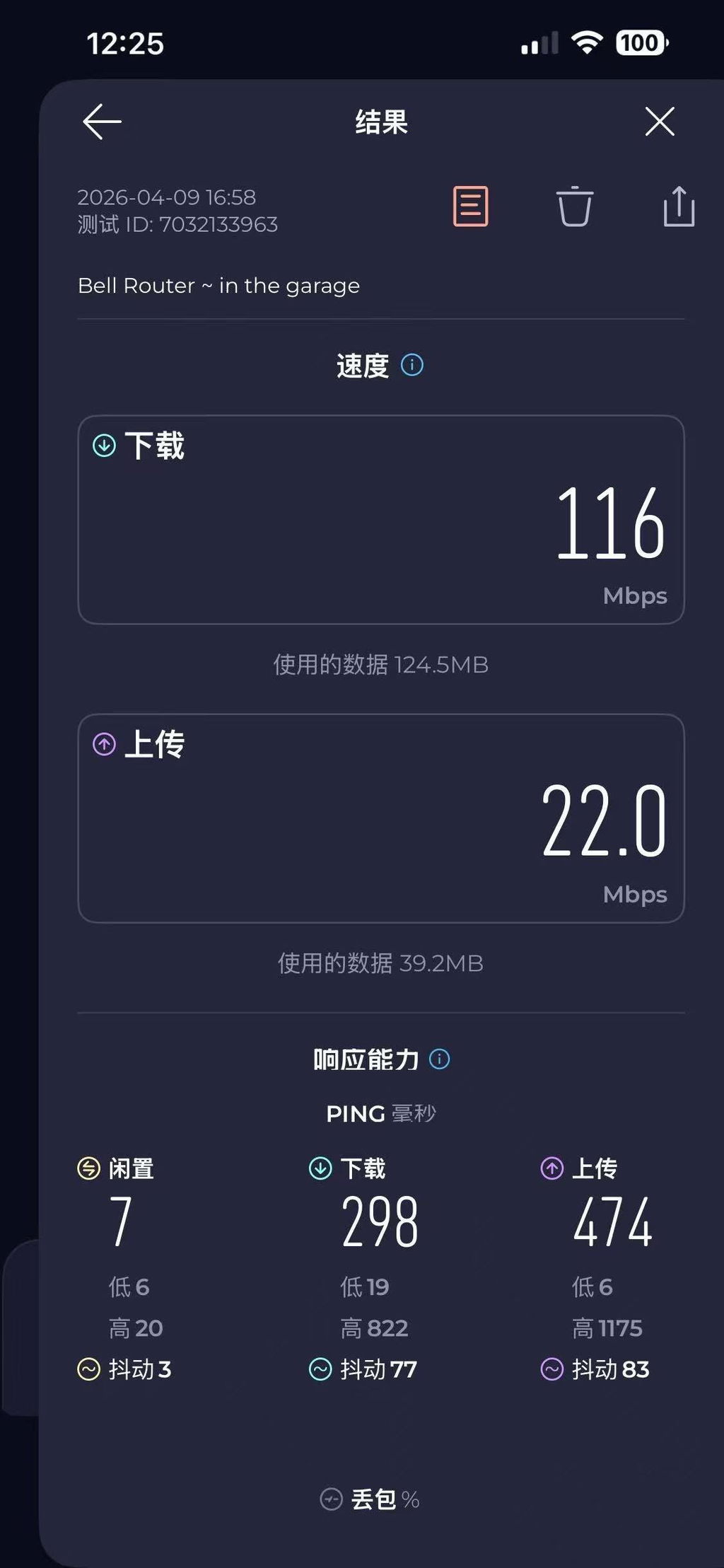
I recently got invited to test out WavKong��s new router, and I��ve been using it side by side with my current Telus router (their newer model).
My first impression: the setup is incredibly simple. Just plug it in, connect the cable, and you��re basically good to go. No complicated steps.
In terms of performance, there are some interesting differences:
When I��m close to the router, the Telus one actually delivers higher peak download speeds. It��s noticeably faster at short range.
However, things change when there are multiple walls in between. In those situations, the WavKong router really stands out. The signal penetration is stronger, and the download speed feels much more stable compared to Telus.
So in summary:
- Telus = faster at close range
- WavKong = better stability through walls + stronger penetration
- WavKong also wins on ease of setup
Overall, I think WavKong is a great option, especially if your home has multiple rooms or thicker walls where signal strength usually drops.
Pretty solid experience so far ??
L
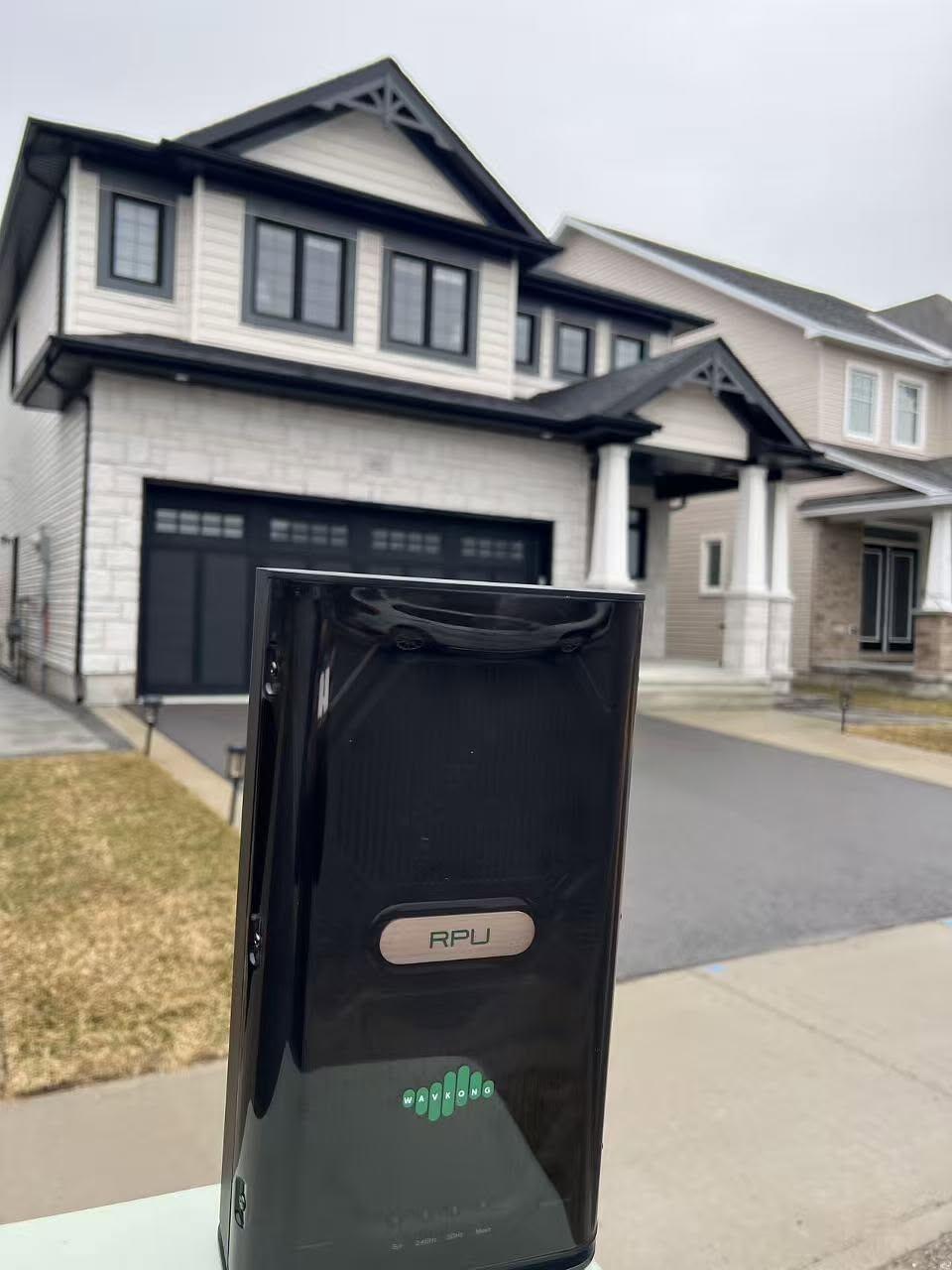
I had a chance to try out the V2700, and I was honestly impressed. The Wi-Fi coverage is noticeably stronger, and the speeds at the far end of the house are much better than I expected.
Wishing the team a huge success with the Kickstarter launch! ??
B
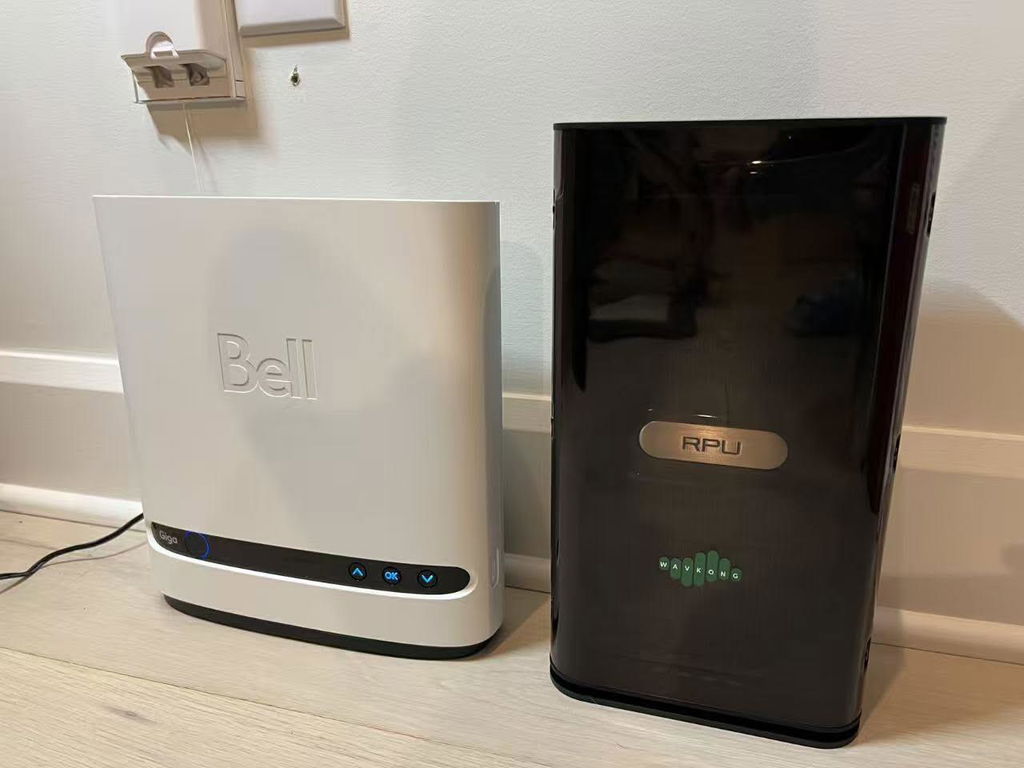
Real-world WiFi Test: V2700 Router vs Vodafone Router
I recently tested the WiFi performance of the V2700 router at home, comparing it directly with the standard router provided by Vodafone �� and the results were impressive.
With the Vodafone router, my house had multiple dead zones with weak or no signal, making it frustrating to use WiFi in certain areas.
After switching to the V2700, the improvement was immediate:
? Full-house WiFi coverage (no more dead spots)
? Strong and stable signal in every room
? Consistent speeds across the entire home
Speed test results (shown in the image):
Download: 82.1 Mbps
Upload: 47.1 Mbps
Ping: 14 ms
Most importantly, these results were achieved in the same environment �� same house, same internet plan �� making this a fair comparison.
H
Review of the Wavekong RPU V2700 Router.
Firstly I signed up for the Kickstarter program as the specifications and
deliverables described appealed to me.
I Have a 2500 Sq Ft *(232 Sq Mts) 2 story house. Under the house I have
a very large 100 Sq Mt Workshop/Storage area,
My Home network is 2 high end traditional multiband Routers (to protect
the innocent the make shall remain nameless)
I have Multiple IOT devices that all need to be WIFI attached and a few
wifi cameras around the property which mainly catch the odd Bear passing
through my yard. I found that the Wifi Signal to my IOT devices (For the
sake of full disclosure are 3dPrinters, Sound devices and a Laser). As well
as some of my Cameras appeared to have very Low dBm Values and
would even drop out from time to time. In an attempt to mitigate this
problem I Placed the second router in a Mesh with an Ethernet Backhaul
in my workshop. This did improve the RSSI to most all of my devices
except for a Few stubborn Cameras. I have also found that in some areas
of the house namely the lounge which is upstairs from the router 5G
Networks could have a mind of their own and just drop the signal from
time to time, definitely not the router as closer 5G devices worked well.
Just an FYI even with the Mesh the Printers are Iffy as well.
My Motivation for the Looking at the Wavkong was to simplify my home
network, remove the existing Ethernet mesh if possible, Improve the 5G
signal upstairs and hopefully fix my exasperating camera issue.
Setting Up: The Wavkong was very easy to configure I only ran into a
single issue, That is My Windows PC which is Ethernet connected had a
static IP address defined and when I tried using the URL WKWIFI.com it
tried to find my Existing (but disconnected Router at IP 192.168.1.1, Easy
work around was to use the Wavkong’s net address of 192.168.10.1
Connected right up and away we went. My only complaints if you can call
them that is the fact that there are only 3 Ethernet ports as I have a number
of devices that can only attach via cable (Smart home Hub, IP phone
controller etc. Easily overcome with a Network Switch, The Lack of an
USB port was a small issue as I do use that port for a NAS attachment but
not the end of the world, Resolved using a USB Hub attached to my DVI
Controller.
To the actual test.
I set up the Wavkong alongside my Legacy router. Using a Network
Scanner I started to roam around.
Just a reminder with signal strength the higher the negative number the
better. so -1 good -70 Bad
Description Legacy Wavkong Notes
Baseline 5G Next to router 27 dBm -8 dBm I found the Wavkong 5G to
consistently outperform Legacy 5g
Baseline 2.4G -27 dBm -29 dBm
Lounge area 5G Directly above the
router -57 dBm -49 dBm
Lounge area 2.4G -63 dBm -61dBm
Guest Bedroom 5G Adjacent to Lounge -66 dBm -60 dBm
Guest Bedroom 2,4G -65 dBm -65 dBm
Problem Area (Cameras) 5G -70 dBm -70 dBm Obviously bad reception regardless.
Problem Area (Cameras) 2.4G -72 dBm -70 dBm First legacy reading was -52 then I
turned off the Mesh
Printer Area 5G -70 dBm -58 dBm Huge improvement
Printer area 2.4G -73 dBm -61 dBm Huge improvement
Garden Walk 2,4 10 Mtrs from house -51 dBm -45 dBm
Garden Walk 5g 10 Mtrs from house -68 dBm -54 dBm
Garden Walk 2.4G 20 Mtrs from house No Signal -54 dBm
Garden Walk 5g 20 Mtrs from house No Signal -55 dBm
Garden Walk 5g 35 Mtrs from house No Signal -55 dBm The Bottom of my garden
Garden Walk 2.4 Gb 35 Mtrs from house No Signal -55 dBm The Bottom of my garden
My Take, I was initially a little disappointed in the performance especially
In my problem area, but then I surmised that any router would have a
problem there. I was more than impressed with both the improvement in
my Printer area which has always bothered me and the extended range, the
Wavkong signal kept constant at a longer distance once my legacy SSIDs
had dropped out.
Am I happy that I backed this device on Kickstarter, Absolutely I cannot
wait to replace all my Legacy networking with this device I did not get to
test VLANS
My next steps
Buy another so I can set up a Mesh and eliminate my dead spots
completely.
Transfer my Multiple VLANS to the Wavkong.
Wishlist
IPHONE/IPAD App allowing control of all functions along with the
ability to monitor device wireless performance metrics ( Hey my legacy
system has a great one)
All in All I am impressed.
M
WavKong V2700 Initial Review
Just got the RPU set up and running for a night. The packaging was very very nice, shows they really put thought and consideration in to the end user experience.
The bad:
At first, ran in to a few snags. One of the first snags was setup; in the Quick Start for your first time setup, you will be asked the same generic questions that pretty much every router asks (ie. wireless SSID and password, change admin password, DCHP settings, etc). After setting your wireless SSID & password, the router does a quick restart but is unable to "complete" the process because you changed the SSID. A little hiccup, but pretty standard in the router world.
After the Quick Start, just going through the settings was kind of tedious, there was many different groups with different pages that was either very bare (just the 1 or 2 things) or lots of things without explanation. Now, don't get me wrong, it does have a question mark in the corner to explain some things, but its coming from a place of knowledge. It's like a lawyer speaking legalese, normal people don't really understand it completely.
Another issue I've run in to was that after changing the default password, the web login didn't want to accept my password to login. Three attempts, no matter the time break, device, or browser seemed to give me extra attempts before locking me out for 3 minutes. Some times it would accept the password when I de-cloaked it without any changes, and others it just outright refused until I did a push button reset. I could not find anywhere to change the lockout limit, that's maybe an issue that need to be addressed as external forces could lockout legitimate users from accessing the device for even changing the settings for better protection.
The last issue I ran in to was the initial speed test. I pay for 2 gig fiber speeds and with my old router I consistently received 1300 to 1500gbps both down and up streams wired. Now I am assuming this must have something to do with the ISP or ONT (modem), as switching between the devices showed the same results. Old router 1300 to 1500gbps, V2700 160 to 240mbps down and <100mbps up. A few restarts and getting side tracked for >1 hour seemed to make it recognize the available speeds and it topped out at its 1gbps limit. All is right in the world. This is day 2 and I'm going to check its radius, speeds, and ability to penetrate a busy home.
The Good:
The speeds are consistent, and have a great connection everywhere. The range seems to be much larger than my current "gaming" router but I will do more testing in the days coming. WavKong really put a lot of effort in to making a router that beats the competition at being a router, not a space monster. It has a great signal without 8 protruding antenna.
I'm really excited to share results with you and help everyone understand the quality of the WavKong V2700.